Why Your Workspace Environment Matters
A disorganized home office is more than an eyesore - it creates competing demands on your attention every time you sit down. Visual clutter in your peripheral field continuously draws processing resources away from the task in front of you, making sustained focus harder to achieve. Before rearranging furniture or purchasing storage containers, it helps to understand what a functional workspace actually requires: a defined boundary, intentional storage, and small habits that prevent gradual drift back into disorder.
If you're approaching home organization for the first time, the beginner's guide to home organization covers the core concepts and first priorities before you focus on a specific room.
Choosing and Defining Your Space
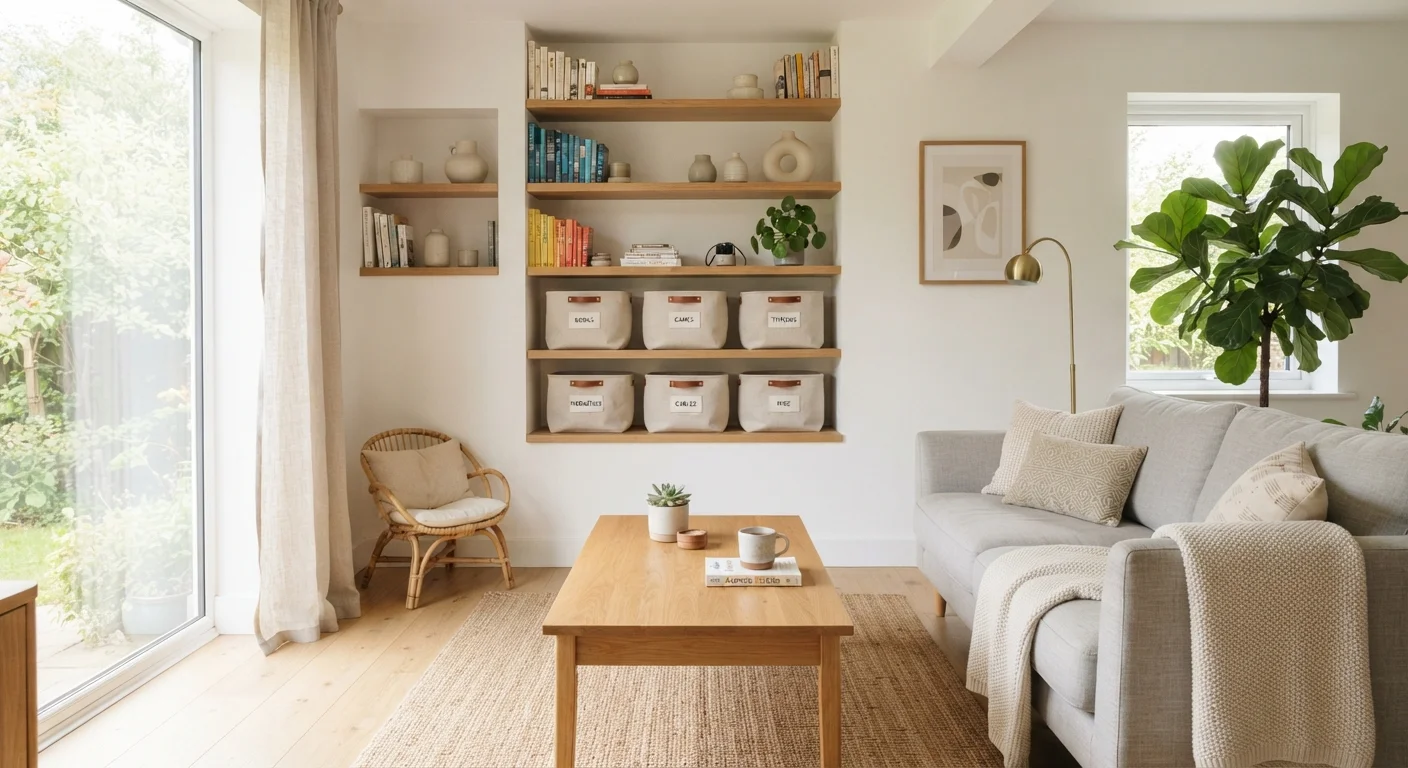
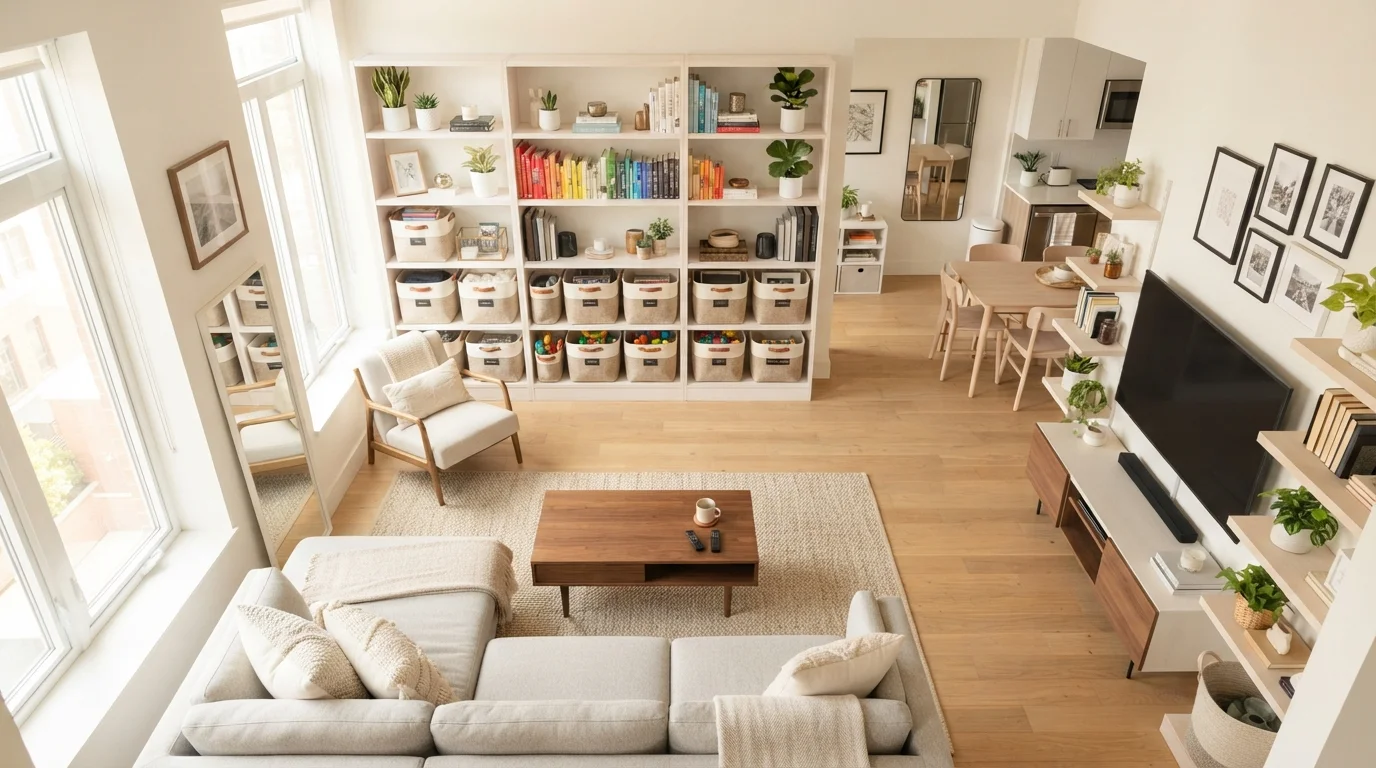
The most effective home offices have a clear boundary - even in a shared room. If a dedicated room isn't available, a corner, a converted closet, or a built-in alcove can each serve the purpose. The goal is a space your brain begins to associate specifically with work. Physical separators such as bookshelves, curtain panels, or a distinct area rug can help create that psychological boundary in an open floor plan without structural changes.
Working in a smaller home? Storage principles for compact homes offers strategies built specifically around limited square footage.
Desk Layout and Ergonomics
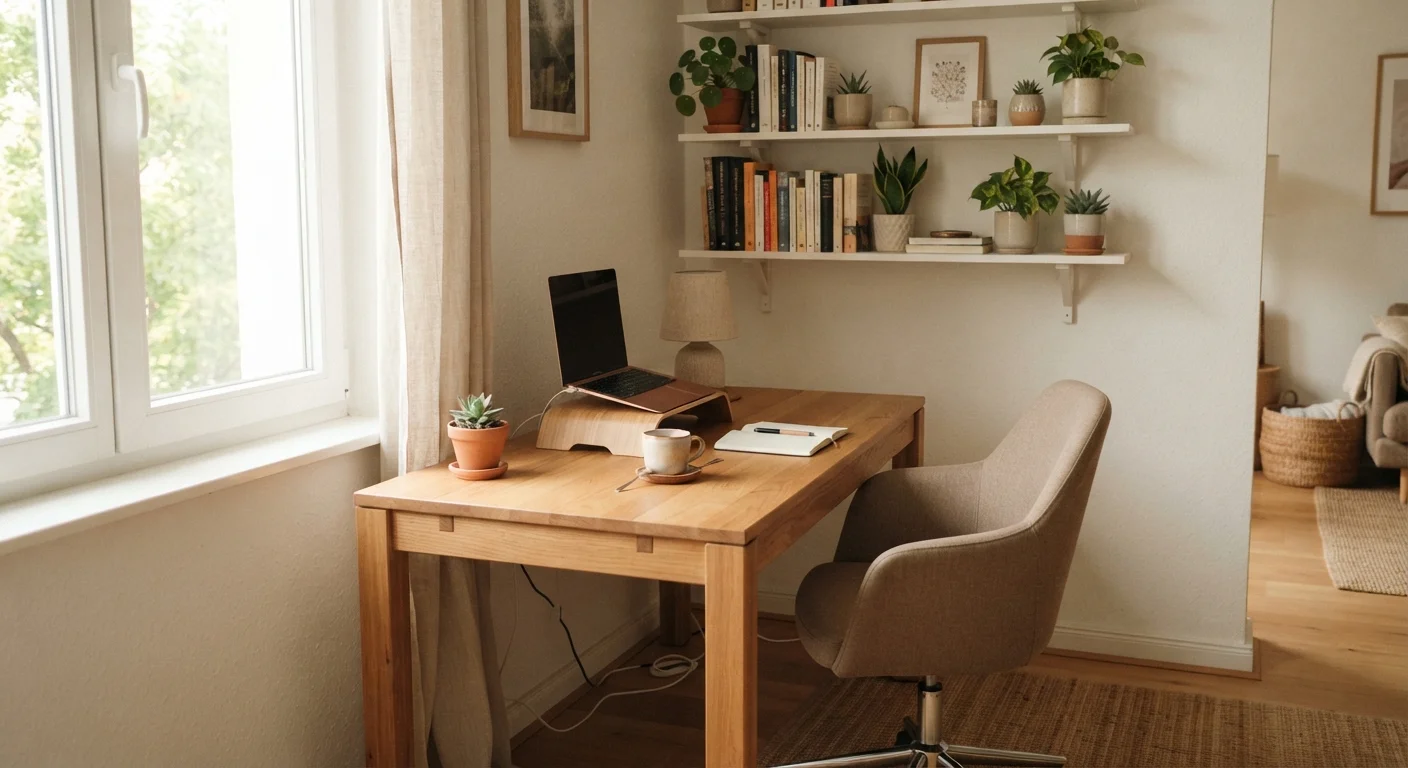
Orient your desk perpendicular to windows rather than directly facing them. This single positional change controls glare and reduces eye fatigue throughout the workday without requiring any additional equipment.
Lighting angle is a frequently overlooked ergonomic factor. Glare from a window positioned in front of or behind a monitor is a common, preventable source of discomfort during extended computer work.
Limit your physical desk surface to three categories: your active project, your primary input device, and one writing tool. Treat every other object as a candidate for storage.
Research on attention and cognitive load consistently finds that visible, unrelated objects in a workspace compete for processing resources even when they are not actively being used.
Position your desk so natural light falls to the side of your monitor - not directly in front of or behind it - to reduce glare and eye strain. Your monitor should sit at roughly arm's length, with the top of the screen at or just below eye level. Keep only what you regularly use during a typical work session within arm's reach on your desk surface; everything else belongs in a drawer or on a nearby shelf. Simple cable management - hook-and-loop ties, adhesive clips, or a basic raceway - eliminates one of the most common sources of visual noise in a home office.
Storage That Matches Your Workflow
1 in 5
U.S. workers work remotely some or all of the time
Based on U.S. Bureau of Labor Statistics data on remote and hybrid work patterns among employed Americans.
15-20 min
Estimated daily time lost searching for misplaced items
Widely cited across professional organizing and workplace productivity research, though estimates vary by study and setting.
Match your storage to how you actually work - not how you intend to work. If physical files are genuinely essential to your role, a two-drawer lateral file cabinet placed near your desk is far more practical than a filing system in another room. For mostly digital work, a slim desktop organizer for charging cables and one reference shelf is often sufficient. Vertical storage - shelves mounted above the desk or on an adjacent wall - adds meaningful capacity without consuming floor space.
For a broader audit of storage opportunities across your entire home, the room-by-room home organization checklist extends this thinking to every room.
Controlling Paper and Digital Clutter
Paper clutter is among the fastest ways a home office loses function. A two-tray inbox system - one tray for incoming items, one for items to file or act on - keeps paper off the desk surface and gives every document a temporary home. Process the inbox at least once per week so nothing sits unresolved. On the digital side, apply the same logic: a consistent folder structure and a clear file-naming convention prevent your computer desktop from mirroring the physical chaos you're working to eliminate.
For a gradual, step-by-step method to reduce accumulated clutter without feeling overwhelmed, this decluttering guide walks through a manageable process.
Daily and Weekly Habits That Hold It Together
Organization is a maintained state, not a one-time project. An end-of-day reset - clearing the desk surface, returning items to their designated spots, and writing a brief task list for the following morning - takes fewer than five minutes but meaningfully reduces the friction of getting started the next day. A brief weekly review, checking that files are current, supplies are stocked, and nothing has migrated to the wrong zone, prevents the slow drift back into disorder that undoes most reorganization efforts.
These same maintenance principles extend naturally to every other room in the house. Our room-by-room organization checklist applies this approach throughout the home, one area at a time.